The finding usually turns up in an access review. There is a connected app called something like "AI Sales Assistant" with permission to send mail as forty employees. There is an integration user for the support vendor's bot with write access to every case and contact in the CRM. There is a repository token belonging to a contractor whose coding agent opens pull requests overnight. Each was approved, but as an integration, by whoever owned the system at the time. None was reviewed as what it is: a third party's decision-maker holding your credentials.
This guide is about those agents, the ones that act inside your systems. It is a different problem from reviewing the AI features inside a SaaS product you use, where the question is what the vendor does with your data in its own service. Here the question is what the vendor's agent can do in yours, and how you stop it.
An integration that decides is a different risk
A traditional integration does fixed things: sync these fields, post this event. You can read its scope and predict its behavior. An agent decides at runtime what to do with the same scope, guided by the vendor's model, the vendor's prompts and content written by your customers and prospects. Its behavior can change with a vendor release you never saw, and anyone who can write to its inputs can try to steer it.
OWASP's Excessive Agency entry describes the resulting risk as damaging actions performed in response to unexpected, ambiguous or manipulated model output, with root causes in excessive functionality, excessive permissions and excessive autonomy [5]. For a vendor agent, you set all three at the moment you click grant, usually by accepting whatever the vendor's install flow asked for. The common shapes today:
- Support bots that read and update CRM cases, issue credits or change orders, and reply to customers in your name.
- AI sales development agents that read your CRM, write activity back and send email from your domain or from employees' mailboxes.
- Contractors' coding agents that hold repository tokens, run in the contractor's environment and push branches or open pull requests.
- Meeting and productivity assistants granted read access to calendars, drives and chat so they can summarize and follow up.
When the vendor is compromised, its tokens act as the vendor
The clearest recent example did not involve a model at all, which is the point. Google's Threat Intelligence Group reported that from as early as August 8 to at least August 18, 2025, an actor it tracks as UNC6395 used compromised OAuth tokens for the Salesloft Drift third-party application to reach Salesforce customer instances, and systematically exported large volumes of data from objects such as cases, accounts, users and opportunities [1]. The actor then searched the stolen data for secrets, including AWS access keys, passwords and Snowflake tokens, and deleted query jobs to hide its activity, although the logs were not affected [1].
Google said the issue did not stem from a vulnerability in the core Salesforce platform [1]. Salesloft and Salesforce revoked Drift's active access and refresh tokens on August 20, and an update on August 28 widened the scope to Drift's email integration, whose tokens had been used to read email from a very small number of Google Workspace accounts configured to integrate with it [1]. The guidance was to treat every authentication token stored in or connected to the platform as potentially compromised, to restrict connected-app scopes rather than granting full access, and to enforce IP restrictions [1].
A vendor agent is the same long-lived token with a decision-maker attached. Every control GTIG recommended afterward, narrower scopes, IP restrictions, shorter sessions and the platform's own logs, sits on the customer's side, and none of it depends on the vendor's security holding.
Scope the connection, not the vendor
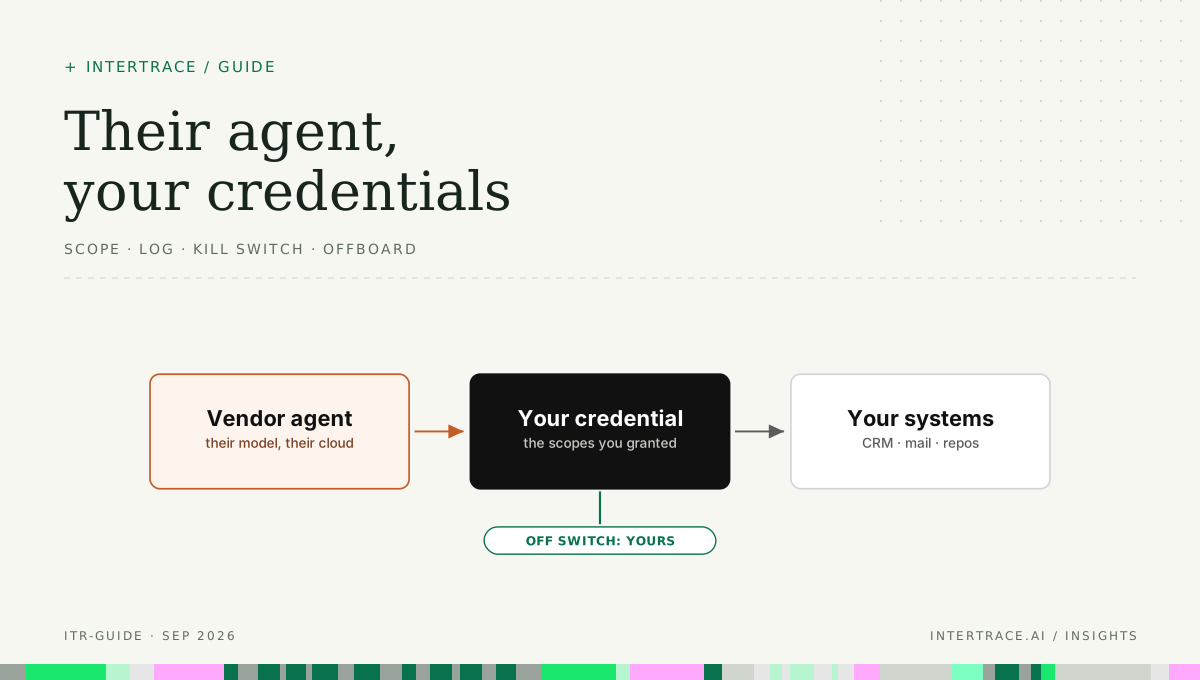
Approve a vendor once, then scope each of its agents' connections separately. The connection is where the authority lives, and it is the part you configure.
Content from customers can steer the vendor's agent, so the agent reaches your systems only through its own identity with narrow, expiring scopes. Reads and field updates are granted, sending email asks or is capped, and delete and bulk export are not granted at all.
- Give each vendor agent its own identity: a dedicated integration user, service account or OAuth client, never an employee's account. RFC 8693 distinguishes delegation, where the acting party keeps its own identity, from impersonation, where it becomes indistinguishable from the user [4]. Prefer delegation, so every record shows that the agent acted and on whose behalf.
- Grant the minimum. RFC 9700, the OAuth security best current practice, says token privileges should be restricted to the minimum the use case requires and tokens should be audience-restricted to a specific resource server [3]. Decline install flows that ask for full API access, and ask the vendor which objects and actions its agent actually uses.
- Bound refresh tokens. RFC 9700 requires refresh tokens to be bound to the scope and resource servers the owner consented to, and recommends that they expire after a period of client inactivity [3]. Ask how long the vendor's tokens live and whether they survive a password change.
- Pin the network. Where the system supports it, restrict the agent's identity to the vendor's published egress addresses, the control GTIG recommended for connected apps [1].
- Separate reading from acting. Reading cases is a different grant from updating them, and both differ from sending email. Where the system allows it, give each its own credential so one can be revoked without the others.
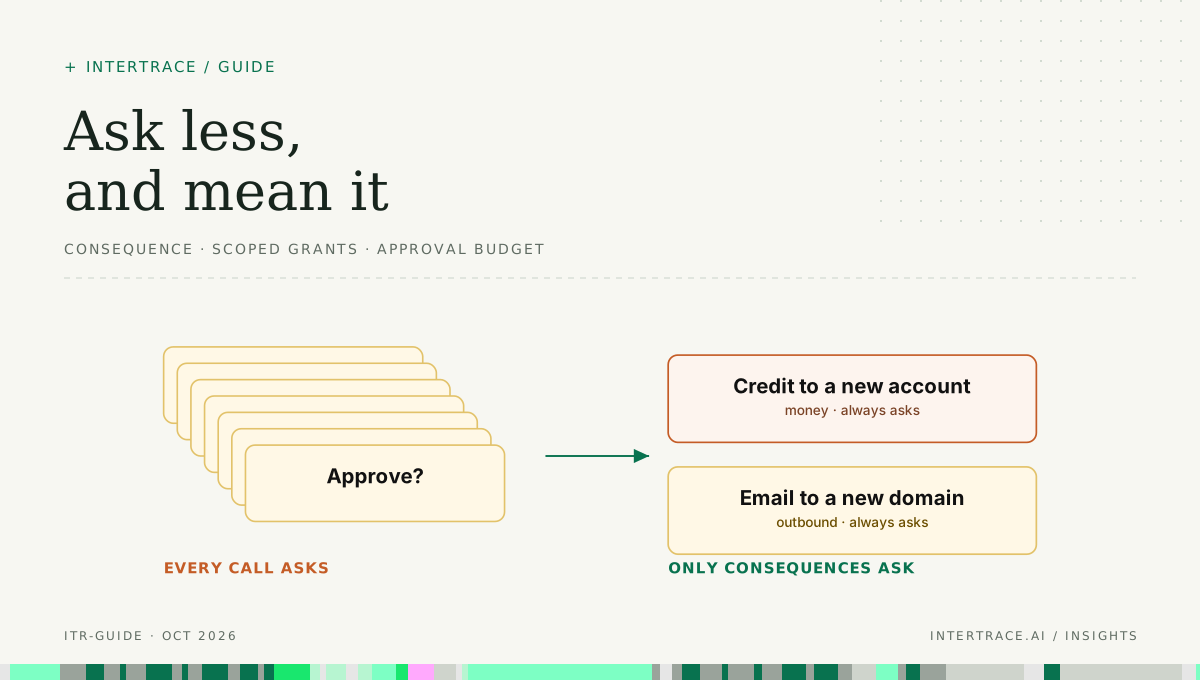
- Make outbound and irreversible actions ask or stay capped. Sending from your domain, deleting records, issuing credits and pushing to protected branches should need a person or a hard hourly limit; OWASP suggests rate limiting a mail-sending interface for exactly this reason [5].
| Vendor agent | What the vendor asks for | What to grant | Should ask a person or stay capped | What to log on your side |
|---|---|---|---|---|
| Support bot in the CRM | Full API access to the CRM | Read and update on cases and contacts in its queues; no export, no delete | Credits above a set amount, account changes, bulk updates | Every write, with record ID, changed fields and the triggering ticket |
| AI sales development agent | Send-as on employee mailboxes, CRM read and write | A dedicated sending identity, read on leads and accounts, write to activity records only | First email to a new domain, any attachment, sends above a daily cap | Every message sent: recipient, content hash and the record that triggered it |
| Contractor's coding agent | A personal access token with repository admin | A fine-grained token on named repositories: branch pushes and pull requests; no admin, no workflow files | Pushes to protected branches, changes to CI workflows or agent configuration | Pushes, pull requests and token use by source address, tied to the contractor |
| Meeting or productivity assistant | Read all calendars, drives and chat | Read on the invited user's calendar and the meeting's linked documents | Sharing outside the organization, posting to channels | Files read and summaries shared, by user |
| Accounts payable agent | Read and write on the ledger and payment runs | Read invoices and vendor records; create draft payments only | Releasing any payment, adding or changing a payee's bank details | Drafts created, approvals and releases, with the approver |
What to put in the contract
The NIST AI RMF calls for policies and procedures that address AI risks from third-party entities, and for contingency processes to handle failures or incidents in high-risk third-party AI systems [2]. For a vendor agent, those translate into terms you can enforce.
- The vendor names each agent that will act in your systems, the actions it takes and the scopes it needs, and gives notice before adding actions or scopes.
- Credentials you grant are used only by the named agent for the named purpose, stored encrypted, and never passed to subprocessors.
- The vendor notifies you within an agreed window, such as 24 hours (an example, not a standard), of any suspected compromise of your tokens or its agent platform, and tells you which tokens to revoke.
- The vendor provides its agent's action logs for your systems on request, including the input that triggered each action, retained for an agreed period.
- You may suspend the agent at any time without penalty, and the vendor documents how its own pause works and what keeps running after it.
- On termination the vendor revokes and deletes your tokens, deletes your data from its agent's memory and logs, and confirms in writing.
Log what the agent did, on your side
Vendor logs are useful, but they are written by the party you are trying to check, and in a compromise they may be the first thing touched. In the Drift campaign the actor deleted query jobs, but the platform's logs remained, and GTIG's investigation steps start there: event monitoring records of queries, authentication activity from the connected app and activity by the integration user [1]. That only works if the logs exist on your side and are kept long enough to investigate.
For each vendor agent, record the identity that acted and on whose behalf, the action and the target object, a hash or summary of what changed, the time and source address, and the vendor's request ID so its logs can be matched to yours. RFC 8693's actor claim is a useful model: it identifies the acting party within a token, with nested claims for earlier actors in a delegation chain [4]. Whether or not your systems issue such tokens, your logs should answer both questions: who acted, and for whom.
A kill switch that actually stops the agent
Every vendor will tell you its agent can be paused. The real questions are whether you can stop it without the vendor's cooperation and how long that takes. The NIST AI RMF asks for mechanisms, with assigned and understood responsibilities, to supersede, disengage or deactivate AI systems [2]. Build that mechanism in layers and test it.
A vendor console pause depends on the vendor; disabling the identity, revoking grants and refresh tokens, and blocking at the gateway or network are yours. After any of them, check what keeps running without the credential.
The layers differ in who controls them and what they stop. A console pause depends on the vendor's systems working as described. Disabling the integration identity stops new sign-ins, but in many systems an access token already issued stays valid until it expires. Revoking the grant and its refresh tokens ends existing sessions. Blocking at a gateway or network edge stops the calls that pass through it. Use the layers you control first, then check what keeps running after the credential is gone: messages already queued in the vendor's outbox, scheduled jobs, webhooks that push into your systems, a second credential created during onboarding, and sending-domain delegation that lets the vendor send as you without any of your tokens.
A worked example: the kill-switch drill
Consider Harrow & Pine, a fictional outdoor-equipment retailer of 1,200 people. It runs a vendor's support bot in its CRM, an AI sales agent from a second vendor, and a contractor's coding agent on its storefront repository. After reading about the Drift campaign, its security team ran a one-hour drill: stop each agent using only controls Harrow & Pine owns, and time it. The figures here are illustrative.
The support bot stopped in four minutes. The team deactivated its integration user and revoked the connected app's tokens, and the bot's next write failed. The coding agent seemed to stop when the contractor's token was revoked, but a pull request appeared twenty minutes later. During onboarding the contractor had added a second token to the repository's CI secrets, and nobody had recorded it.
The sales agent kept sending. Revoking its mailbox access stopped it reading replies, but outbound mail went through the vendor's own sending service, which Harrow & Pine had authorized to send for its domain through DNS records at setup. Stopping it took a DNS change and a call to the vendor, and about two hours of scheduled emails went out first. The drill produced three fixes: a register of every credential and delegation each vendor agent holds, a contract term requiring the vendor to purge queued sends on suspension, and a quarterly repeat of the drill.
Offboarding: the step that gets skipped
Vendor agents are rarely offboarded on purpose. The contract lapses, the team moves on, and the tokens keep working. Treat the end of a vendor agent like the departure of a privileged employee.
- Revoke every grant and refresh token, and delete or disable the integration identity, working from the credential register rather than memory.
- Remove sending-domain delegations, webhooks, scheduled jobs and any secrets the vendor added to your CI or configuration.
- Rotate secrets the agent could read. After Drift, GTIG advised searching the exposed data for keys and passwords and rotating what was found, because the actor had searched it for the same things [1].
- Check your logs for any use of the agent's identity after revocation, and investigate anything you find.
- Get written confirmation that the vendor deleted your tokens and data, including any agent memory or logs that hold your content.
- Remove the agent from your inventory and record the date, so the next access review does not rediscover it.
Where a runtime gateway helps
A gateway controls only the calls that pass through it. Calls a vendor makes from its own cloud straight to your SaaS systems' APIs do not, so scopes, IP restrictions and those systems' own logs remain the controls for them. Where a vendor or contractor agent reaches your tools, MCP servers or model access through Intertrace, it uses its own runtime key, so its actions are attributed to it, each decision is recorded with the rule that made it, and revoking that key is a kill switch you hold. Outbound messages, payments and admin changes always ask a person, and the first call to an MCP server that has not been approved asks once. Read-only discovery of identity-provider AI-app grants and committed keys helps find the vendor agents you have already let in.
What to do this quarter
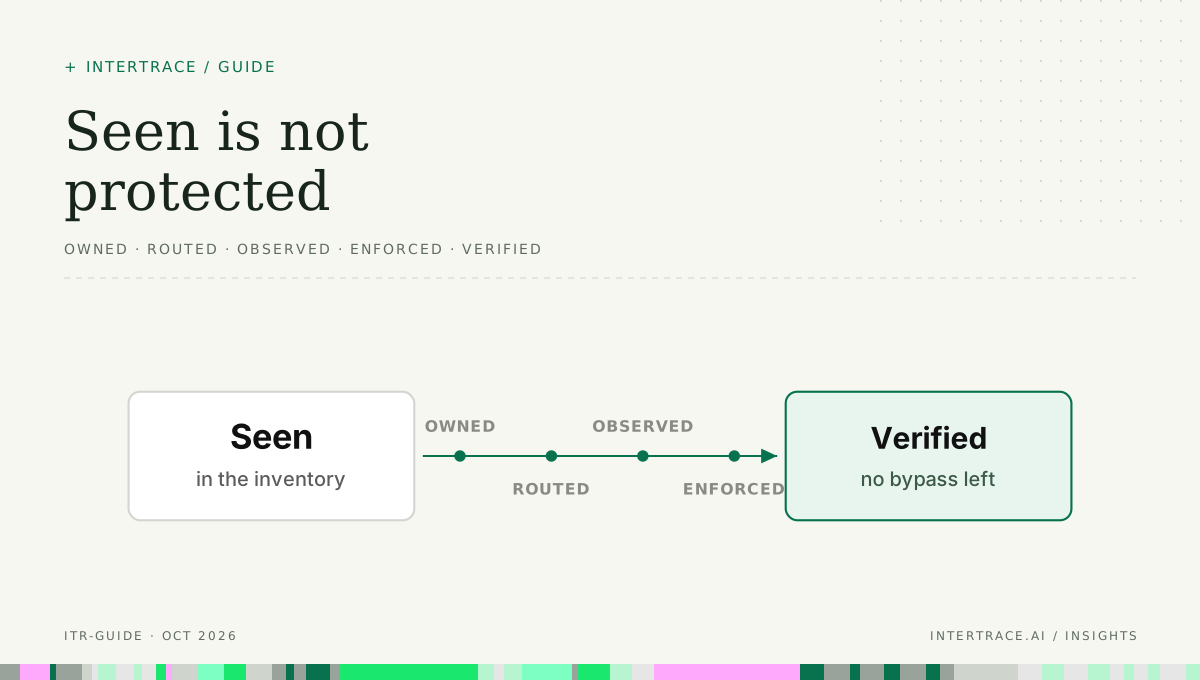
- List every vendor and contractor agent that can act in your systems, starting from identity-provider grants, connected apps and integration users, and give each an internal owner.
- Record every credential, delegation, webhook and scheduled job each one holds, in one register.
- Re-scope the three with the most authority: dedicated identity, minimum scopes, IP restrictions, and outbound or irreversible actions that ask or are capped.
- Confirm you keep your own logs of each agent's actions for at least as long as your incident investigations need.
- Add the contract terms above at the next renewal, starting with compromise notification and suspension.
- Run the kill-switch drill on each agent, time it, and fix whatever kept running.
- Write the offboarding steps into your vendor exit checklist.